
July 26, 2026
As-Built Drawings and Permit Closeout: Miami-Dade Guide

As-Built Drawings and Permit Closeout: Miami-Dade Guide
As-built drawings are the final, accurate record of what was actually constructed, reflecting every field deviation from the original approved plans. In Miami-Dade, building permit closeout and Certificate of Occupancy issuance both depend on submitting complete, compliant as-builts. Submit them accurately and your closeout moves in weeks. Submit them incomplete and you’re looking at months of delays, re-inspections, and resubmissions.
Key stakeholders who rely on these documents include:
- Building department inspectors verifying code compliance before issuing a CO
- Contractors and subcontractors proving contractual obligations are met
- Property owners needing accurate records for future renovations, sales, or insurance
- Design teams confirming field conditions match approved design intent
Miamipermitai flags missing or inconsistent as-built documents before you submit, reducing your rejection risk from the start.
Table of Contents
- What your as-built drawings must include for Miami-Dade submission
- Why as-built drawings carry real legal and financial weight
- How to prepare accurate as-builts without the last-minute scramble
- Miami-Dade closeout challenges and who’s responsible for what
- Key Takeaways
What your as-built drawings must include for Miami-Dade submission
Miami-Dade’s building department won’t accept incomplete packages. Here’s what every submission needs:
- Actual field locations for all structural elements, including any deviations from approved plans with documented justification
- MEP systems (mechanical, electrical, plumbing) shown as installed, not as originally designed — a complete MEP package is non-negotiable
- Fire and life safety components including sprinkler layouts, alarm systems, and egress paths reflecting actual placement
- Licensed professional stamps from the engineer or architect of record — building departments reject submissions missing these stamps outright
- Deviation logs or certifications documenting why field changes occurred and confirming they still meet code
- Correct file formats and scales per Miami-Dade standards, typically PDF and CAD files with revision control
- Hard and electronic copies stamped “As-Builts” by the architect or engineer of record
Missing MEP coverage and unstamped drawings are the two most common reasons Miami-Dade rejects as-built packages. Both are avoidable with a pre-submission checklist.
Why as-built drawings carry real legal and financial weight
As-built drawings are legally binding documents that validate work completion, support IRS cost segregation audits, and serve as primary evidence in contractual disputes or liability claims.
The financial stakes are direct. Retainage of 5% of contract value stays locked until as-builts are approved. Delays in as-built approval mean delayed cash flow for contractors, period.

Poor documentation also creates insurance exposure. If a fire suppression system was relocated during construction, the as-builts are what prove it still meets code. Without that proof, an insurance claim or liability dispute becomes significantly harder to defend.
Pro Tip: Review your contract language before construction starts. Contracts should specify the expected accuracy level, file format, and which party bears responsibility for documentation errors before drawings become the permanent record.
How to prepare accurate as-builts without the last-minute scramble
The biggest mistake contractors make is treating as-builts as a closeout task rather than an ongoing one. Continuous documentation during construction prevents the expensive, chaotic data collection sprint that happens when subcontractors have already demobilized.
- Assign a dedicated person to collect redline markups from every trade as changes occur
- Schedule as-built surveys of underground utilities before backfill — once a trench is covered, verifying pipe locations requires expensive potholing
- Use 3D laser scanning for complex MEP or structural conditions where hand measurements introduce error
- Run a QA review against all change orders, RFIs, and submittals before substantial completion
- Run your package through Miamipermitai early to catch Miami-Dade-specific formatting or documentation gaps before they become rejection reasons
Miami-Dade closeout challenges and who’s responsible for what
Miami-Dade’s local amendments add requirements beyond standard IBC expectations. Discrepancies between original approved plans and as-builts trigger additional inspector scrutiny and can stall the commercial building permit process significantly.
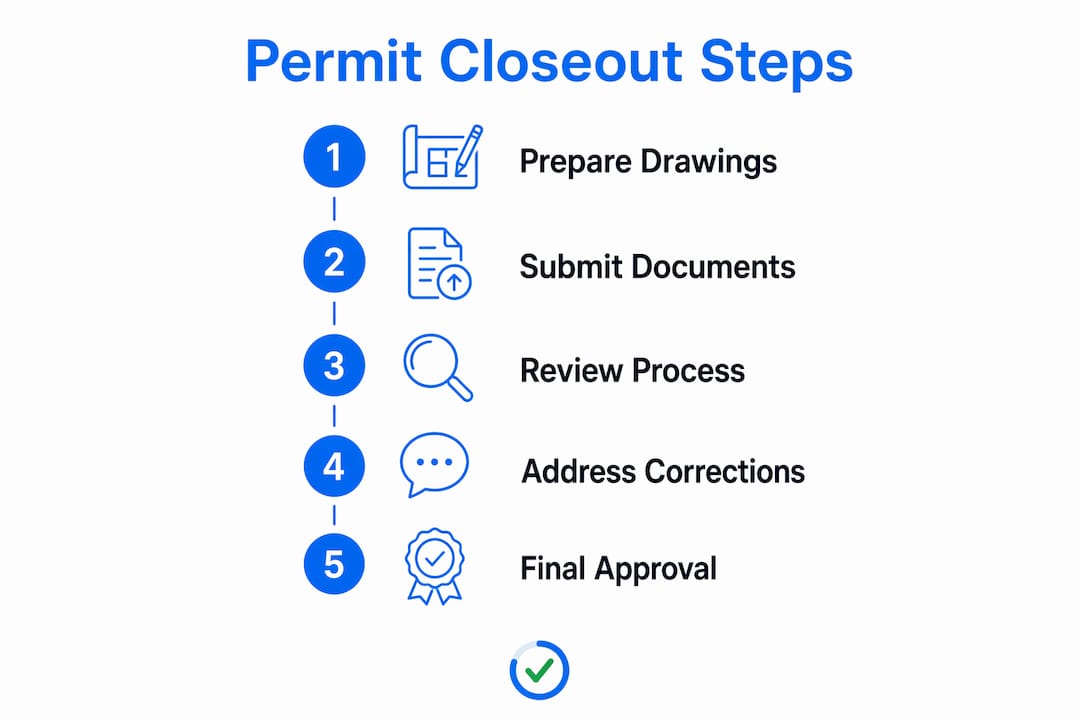
Common rejection triggers specific to Miami-Dade include improper drawing scales, missing certifications for flood zone compliance, and incomplete coverage of mechanical systems. Each one sends the package back and resets your timeline.
Stakeholder responsibilities break down clearly:
- General contractor: Compiles all trade as-builts, coordinates subcontractor submissions, delivers the complete package
- Architect/engineer of record: Reviews field conditions, stamps final drawings, certifies compliance
- Subcontractors: Provide trade-specific as-built data and redline markups to the GC
- Property owner: Reviews and accepts the final package, approves completion, authorizes retainage release
Miamipermitai cross-references your submission against Miami 21 zoning, FEMA flood zone data, and Florida DBPR contractor license records before you submit. Catching a missing engineer stamp or a formatting error at that stage costs nothing. Catching it after rejection costs weeks.
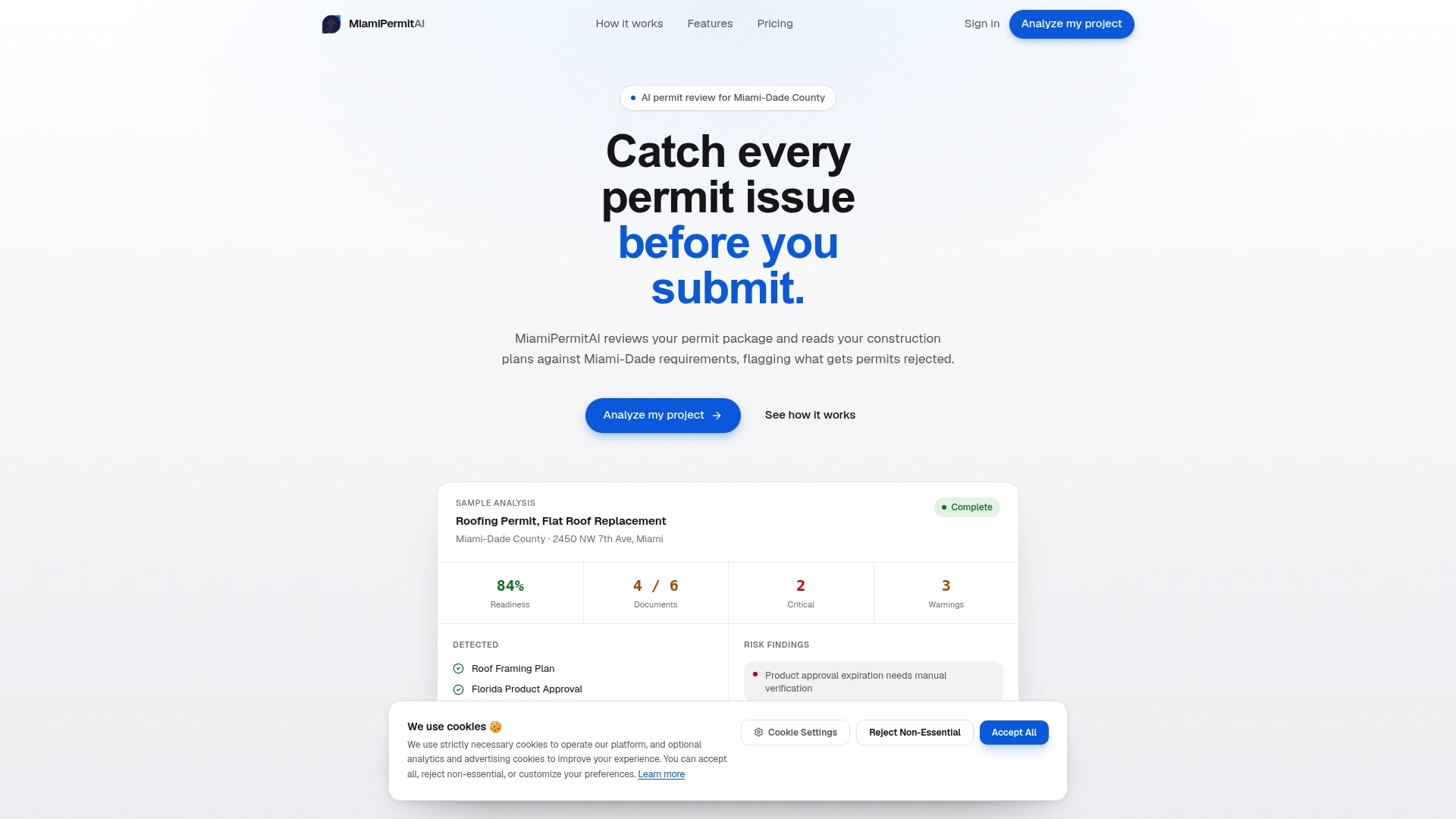
Check your permit readiness with Miamipermitai before you submit to Miami-Dade.
Key Takeaways
Accurate, complete as-built drawings are the single most controllable factor in whether Miami-Dade permit closeout takes weeks or months.
| Point | Details |
|---|---|
| As-builts gate your CO | Miami-Dade won’t issue a Certificate of Occupancy without accepted as-built drawings. |
| Retainage depends on them | Retainage of 5% of contract value stays locked until as-builts are approved. |
| Document continuously | Collecting redlines during construction prevents costly last-minute data gaps. |
| Stamps and format matter | Missing professional stamps or wrong file formats trigger automatic rejection in Miami-Dade. |
| Miamipermitai catches errors early | Pre-submission AI review flags missing documents and inconsistencies before they cause delays. |
Recommended
Is your permit package ready?
Run an AI readiness check against Miami-Dade requirements before you submit.
Try your first analysis freeThis article is general guidance and not legal, engineering, or official county advice. Always verify requirements with Miami-Dade County before submitting a permit.